Project 02
Designing a better peer critique experience.
FEEL-BACK /
FEED-BACK
A collaborative critique tool designed to make peer feedback more comfortable, honest, and actionable.
- Date
- Spring 2025
- Timeline
- 3 Weeks
- Team
- 3 designers — collaborative project
- Focus
- Design Research / Product Design / Prototyping
- Role
- Collaborative — Research, Ideation, Prototyping, Packaging
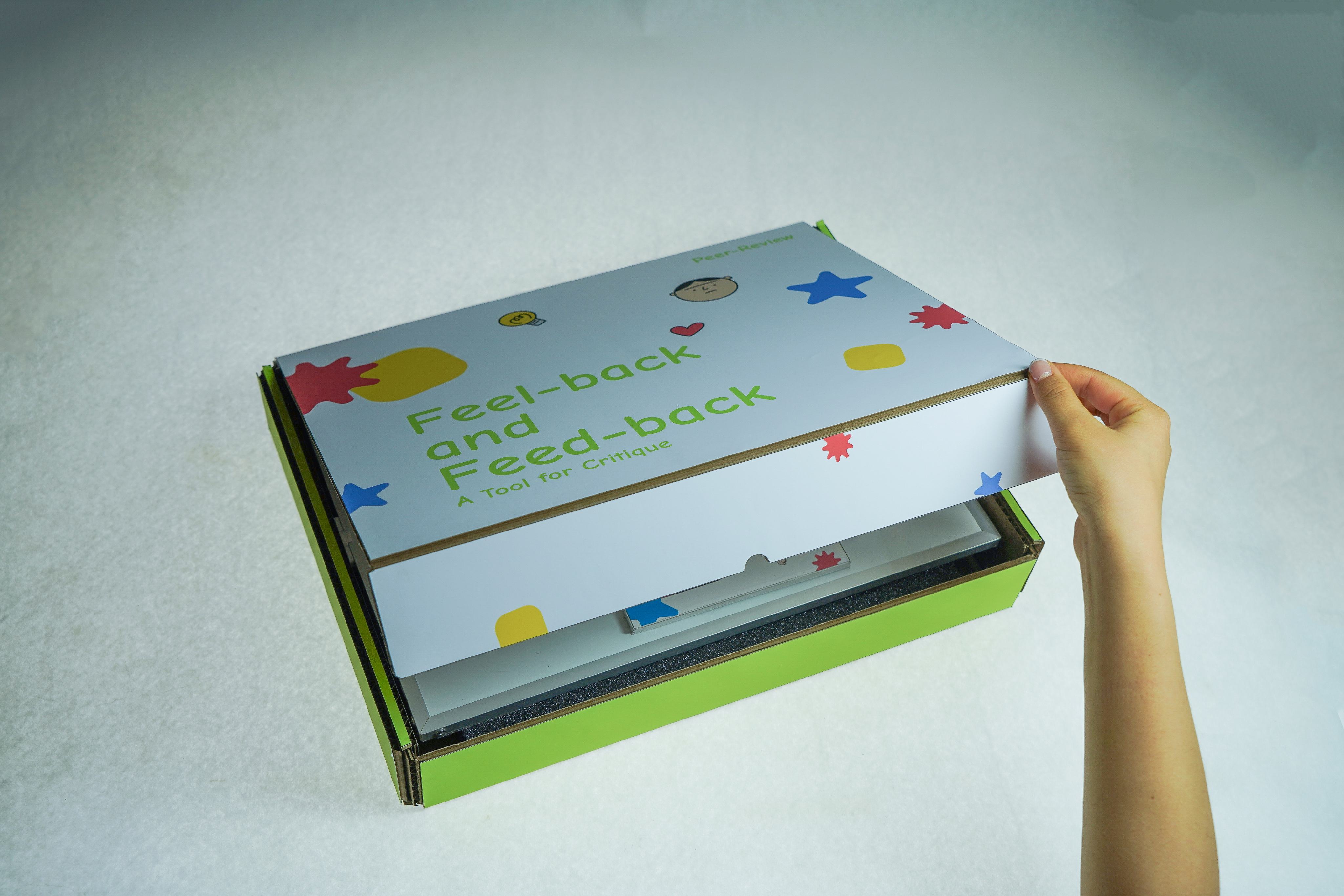
Rethinking the Critique Experience
Critique is essential to design education, but the quality of peer feedback can depend heavily on how comfortable students feel speaking honestly. We wanted to understand what prevents students from giving useful feedback and explore how a physical tool could support a more open and productive conversation.

Understanding Peer Feedback
We gathered insights from 17 design students across four RISD departments through surveys and interviews, exploring what influenced their comfort, honesty, and ability to use the feedback they received.
17
Design Students
4
RISD Departments
Research Question
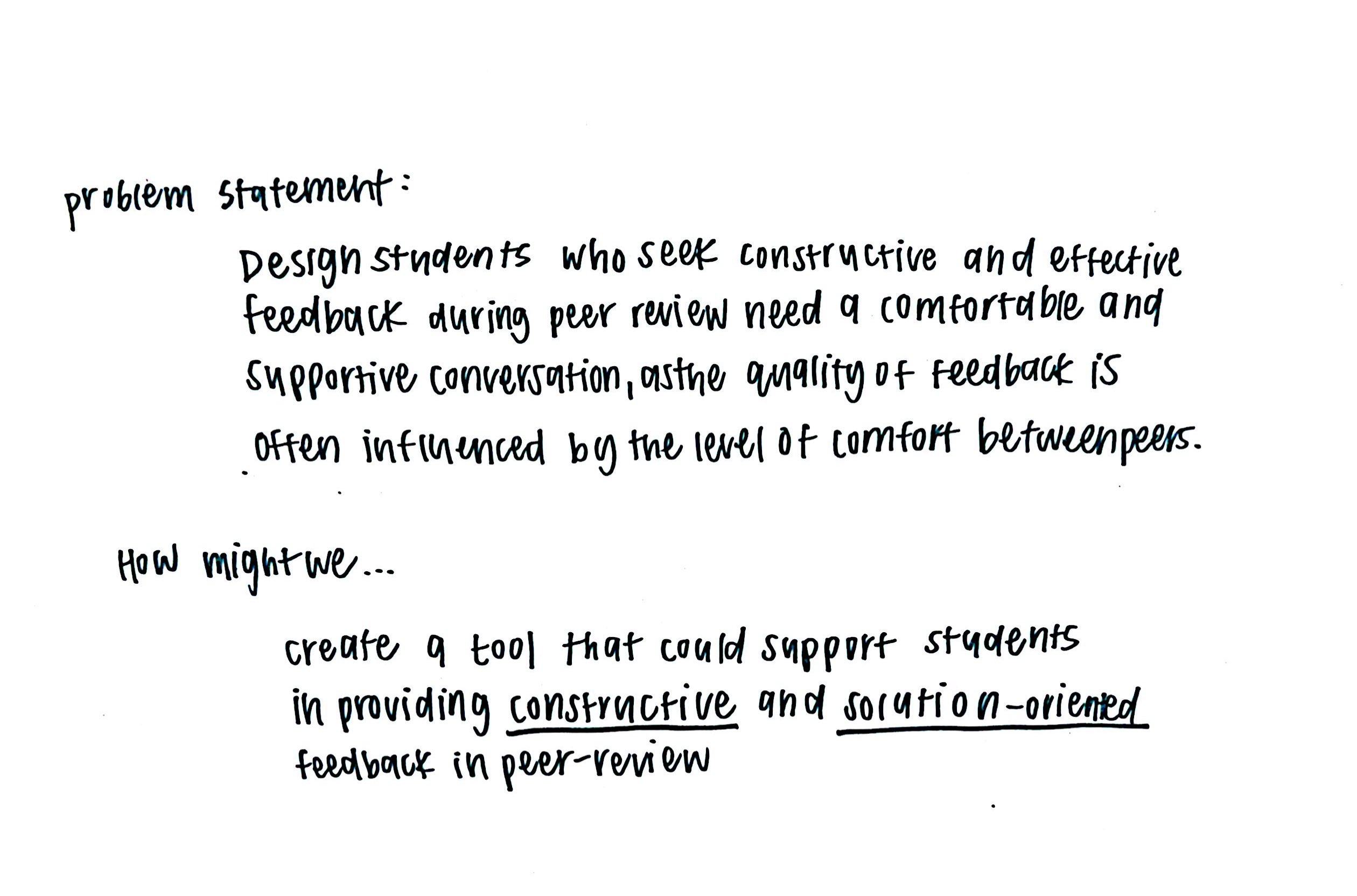
What factors within the peer-review process influence students’ comfort, honesty, and ability to incorporate feedback, and how can structured tools improve the quality and effectiveness of critique?

What We Learned
01
Discomfort in Group Settings
Large critiques can feel intimidating and discourage participation.
02
Varied Levels of Honesty
Comfort between peers can affect how candid feedback becomes.
03
Inconsistent Peer Reviews
Peer feedback can be valuable, but its effectiveness often depends on group dynamics and structure.
04
Lack of Structured Guidance
Prompts can help guide feedback, but overly rigid questions can feel forced or irrelevant.
Design Opportunity
Design students need a comfortable and supportive way to exchange constructive feedback because the quality of feedback is often influenced by the level of comfort between peers.
How Might We
“How might we create a tool that supports students in providing constructive, solution-oriented feedback during peer review?”
Exploring the Interaction
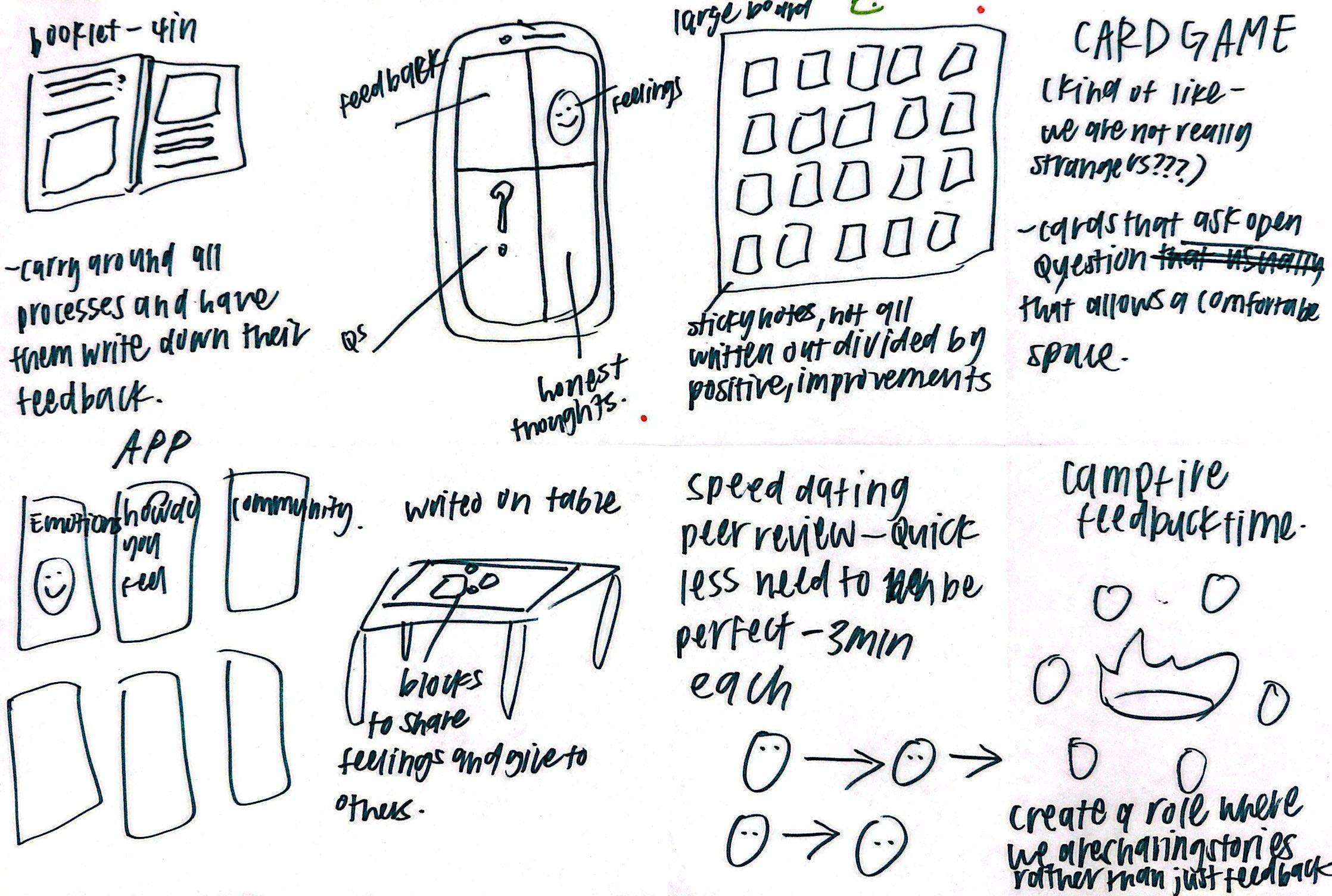
We explored ways to make critique more conversational and immediate rather than relying only on verbal discussion. Early concepts focused on two ideas: allowing students to quickly communicate their immediate reactions while also creating a structure for more detailed feedback.
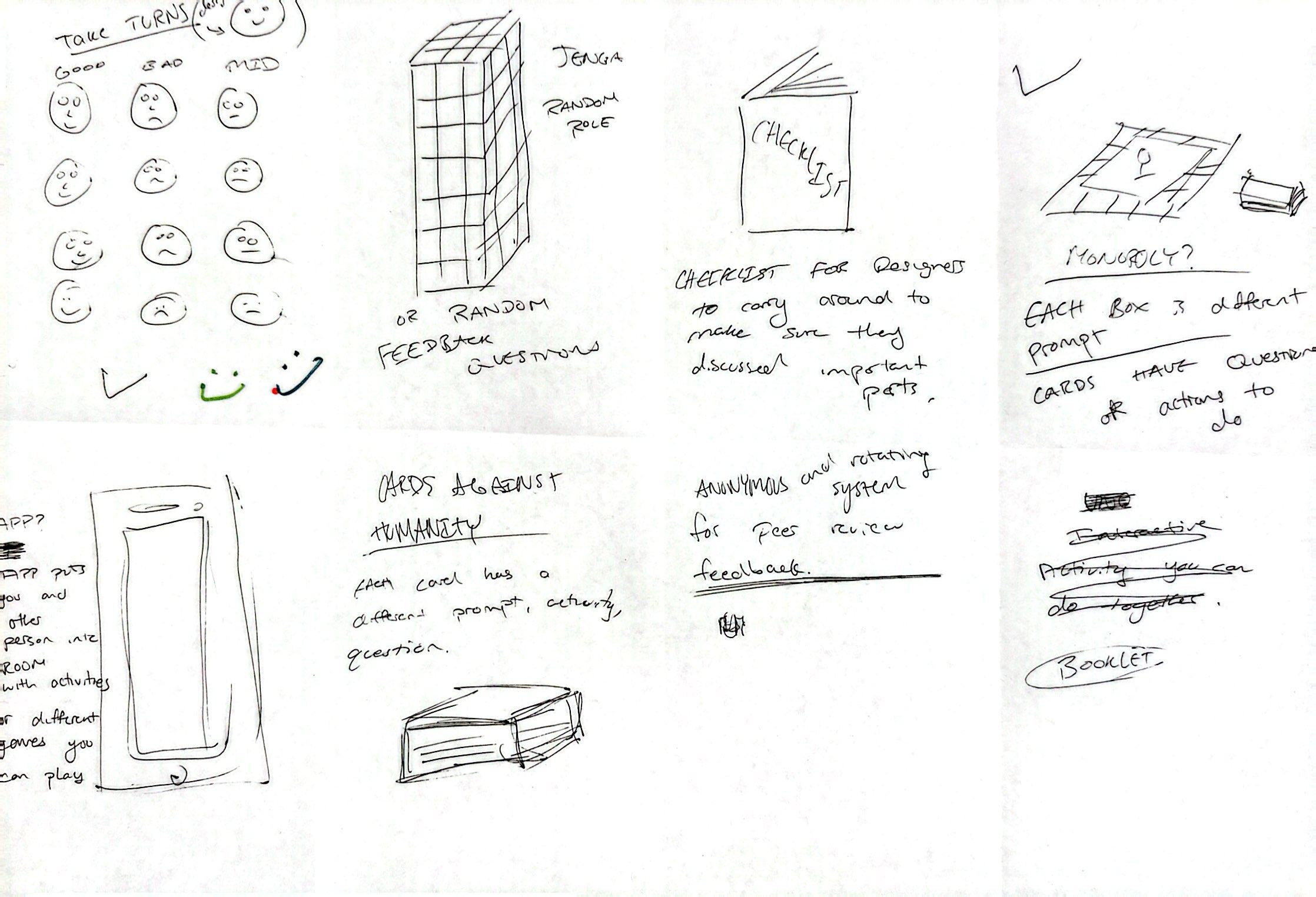
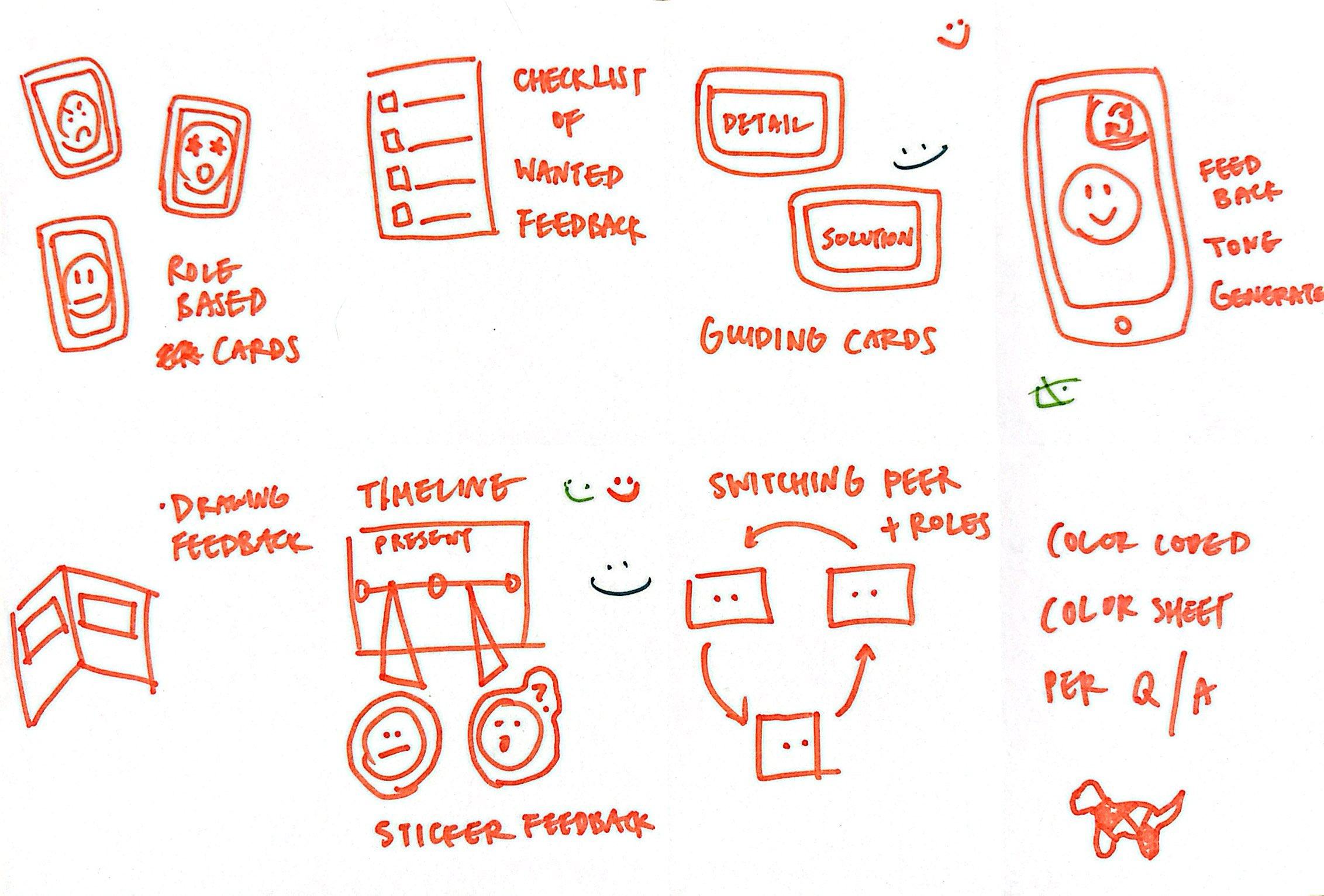
Comfort affects honesty
Feedback should feel easy and immediate.
Feel-back
Immediate emotional reaction.
Feedback needs structure
Feedback should be organized without restricting conversation.
Feed-back
Structured, actionable feedback.
Two Ways to Give Feedback
Feel-back
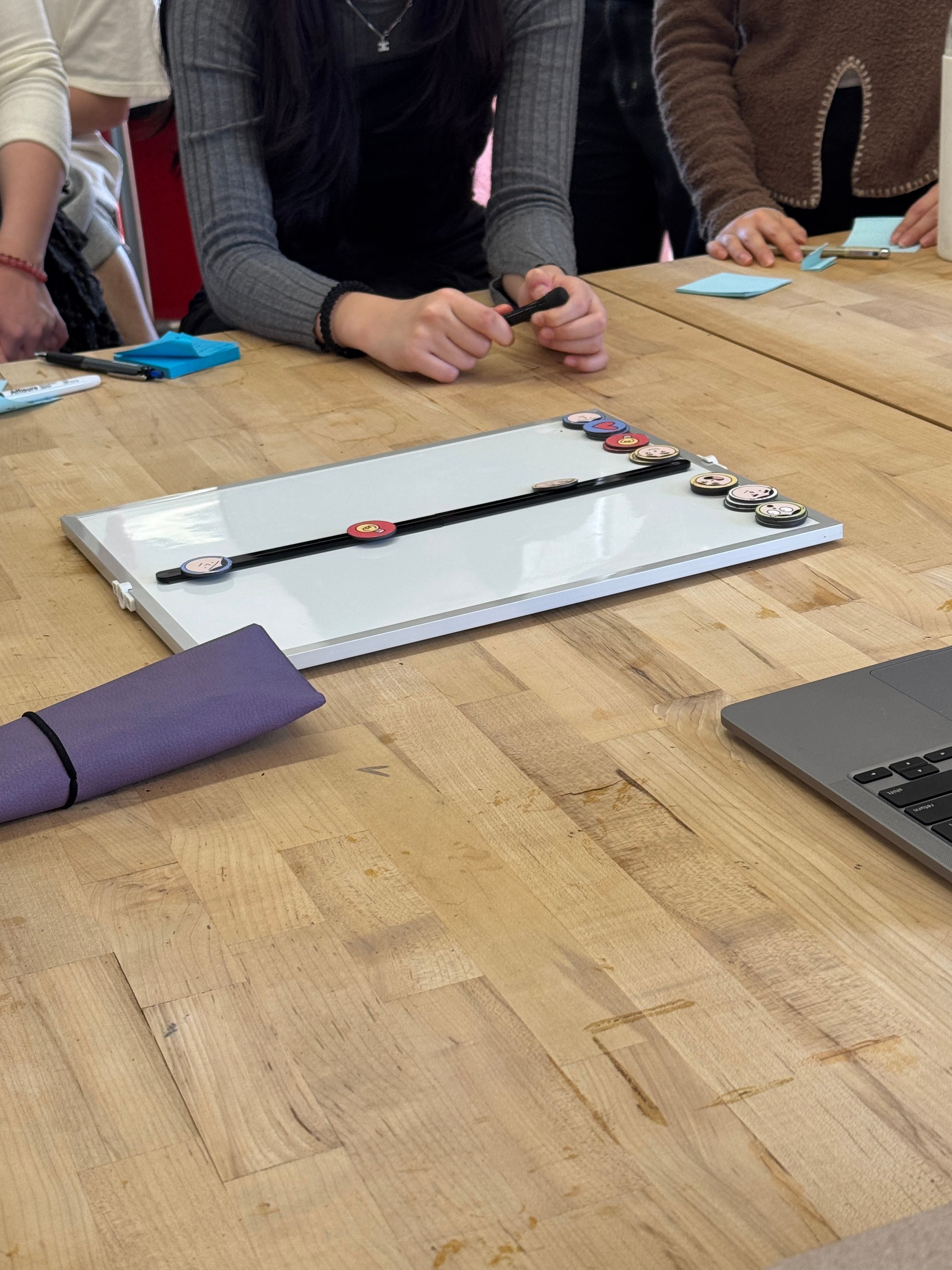
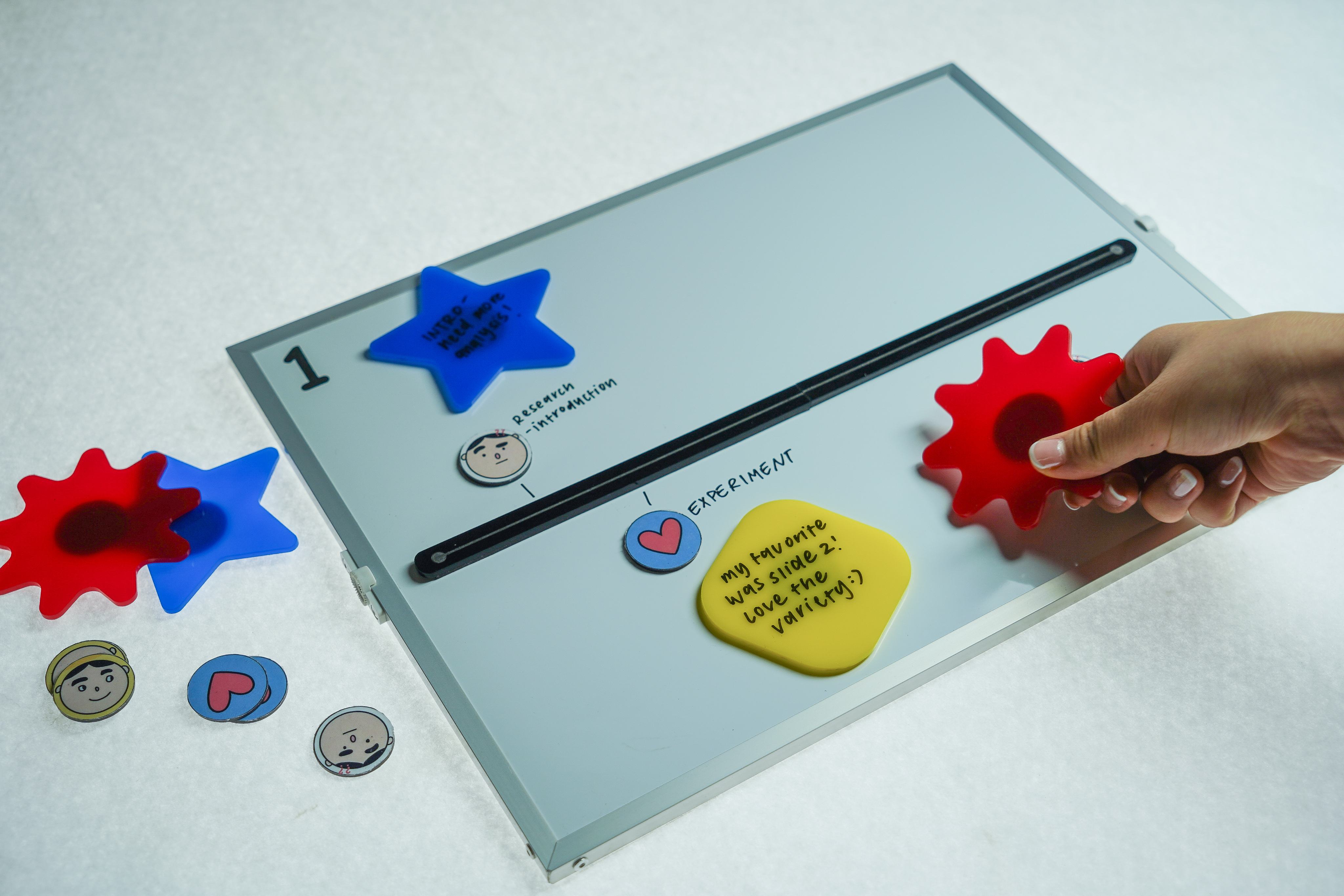
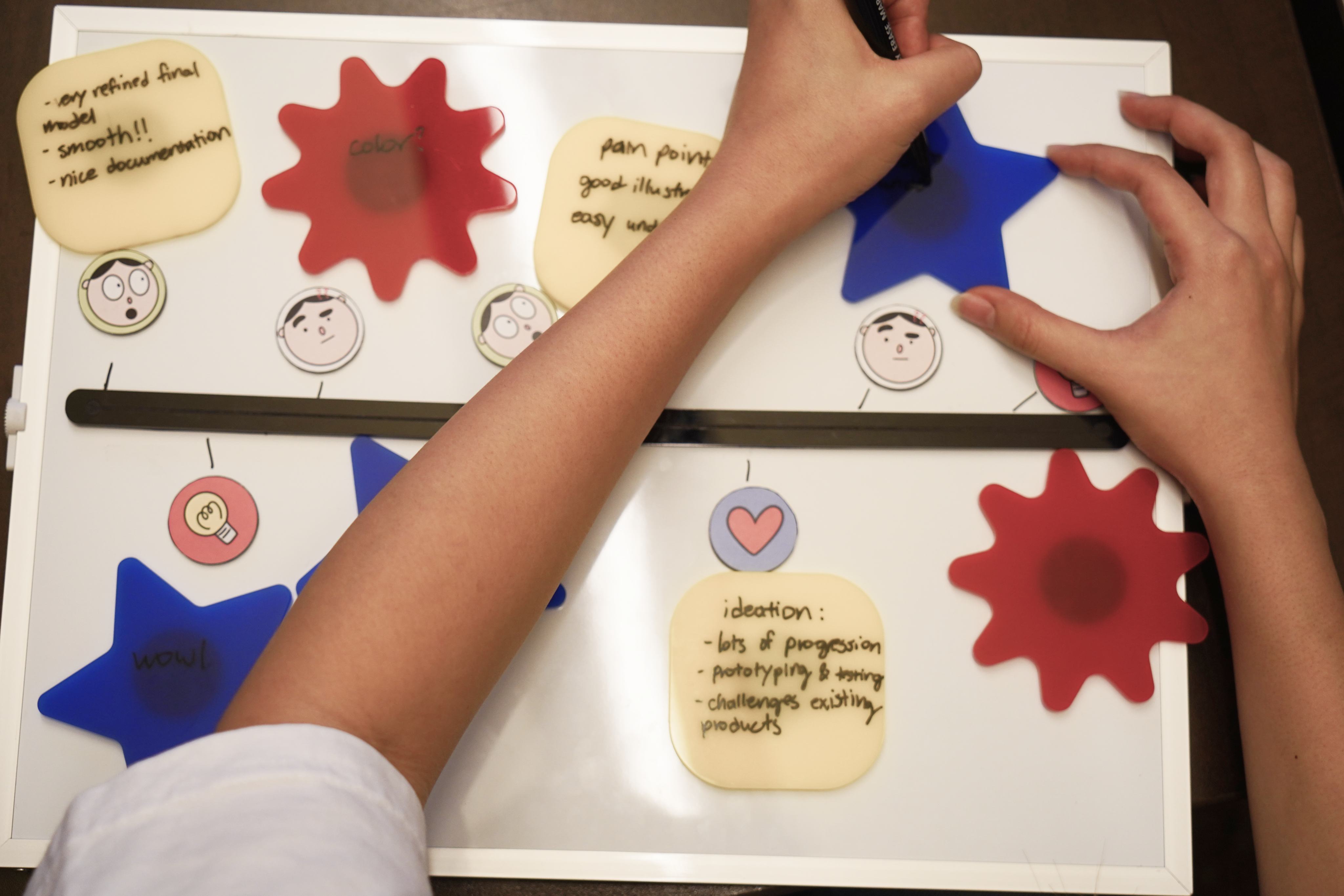
Captures immediate emotional reactions during a presentation using emotion stickers placed along a timeline. Writable shapes allow reviewers to explain those reactions in more detail.
Feed-back
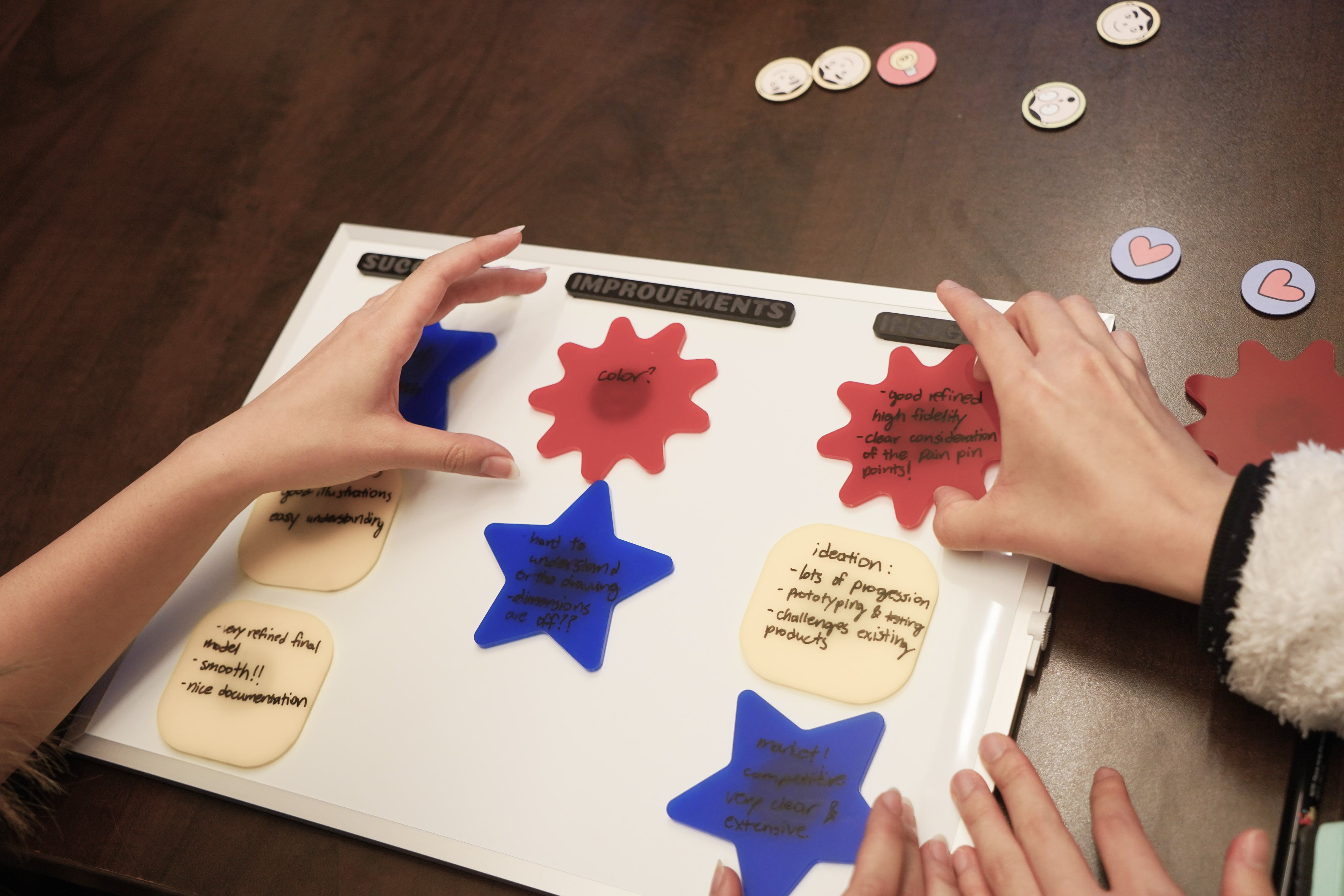
Creates a structured space for more detailed critique. Prompt magnets organize feedback into Successes, Improvements, and Insights, with space to elaborate.
The System
Emotion stickers · Writable shape stickers · Prompt magnets · Feedback boards · Instructions · Packaging
Testing the Experience
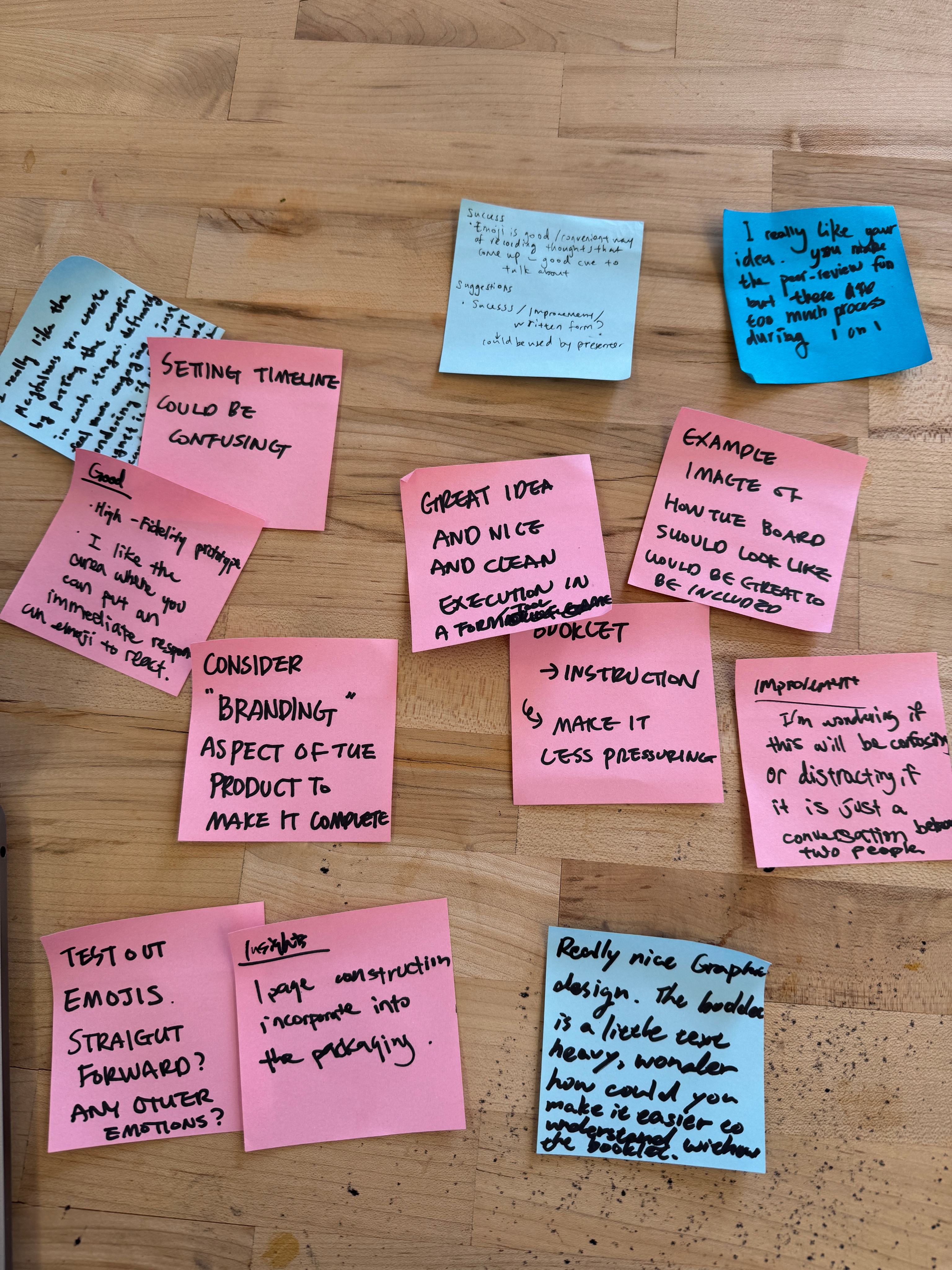
We tested the tool with students to understand how naturally the it fit into a critique and where the experience needed clarification. Observing people use the boards helped us refine both the physical product and the way the experience was communicated.
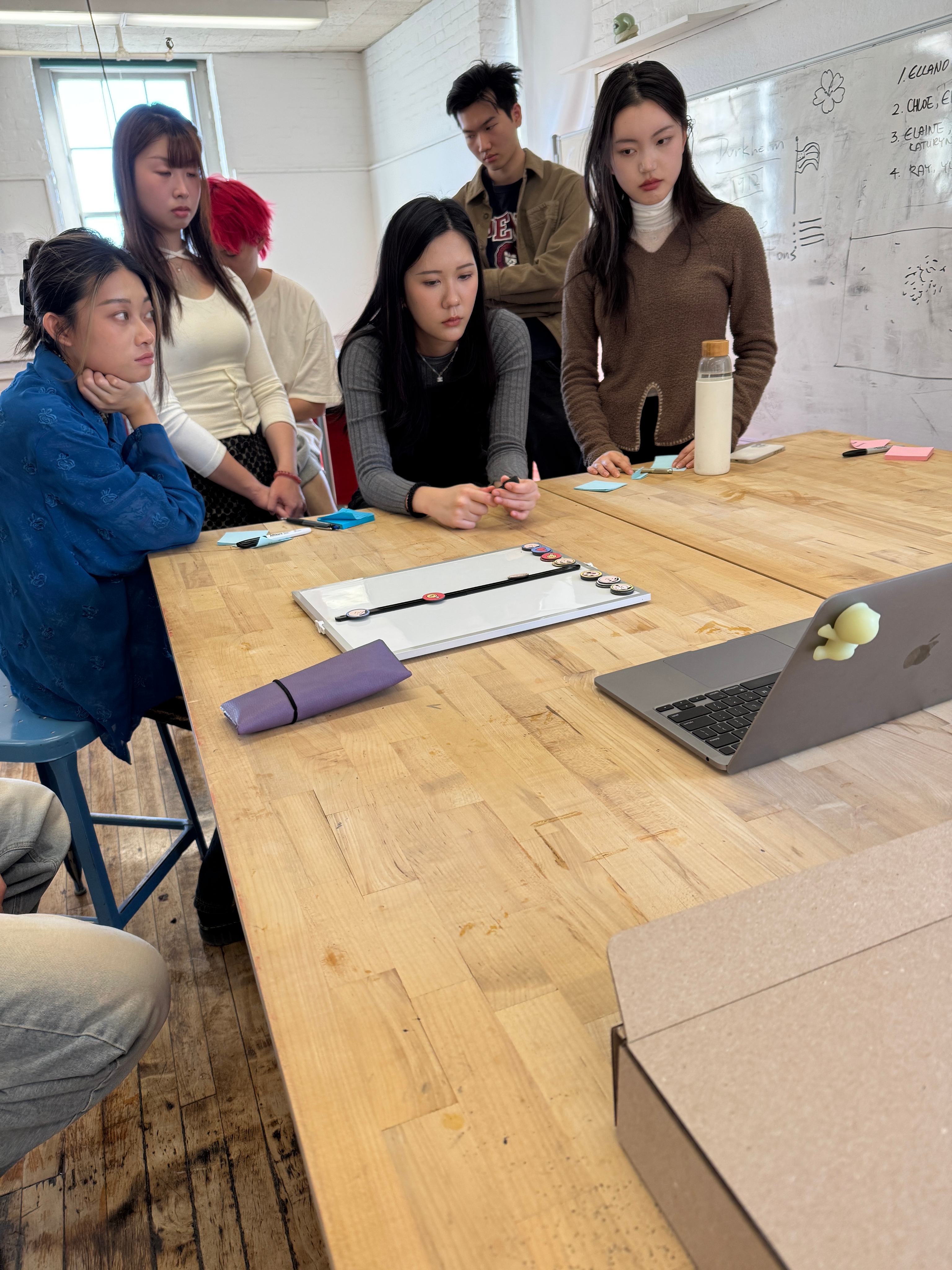
What Changed
01 — Emotions
Feedback helped us determine which emotional responses were most useful to include in the final system.
02 — Instructions
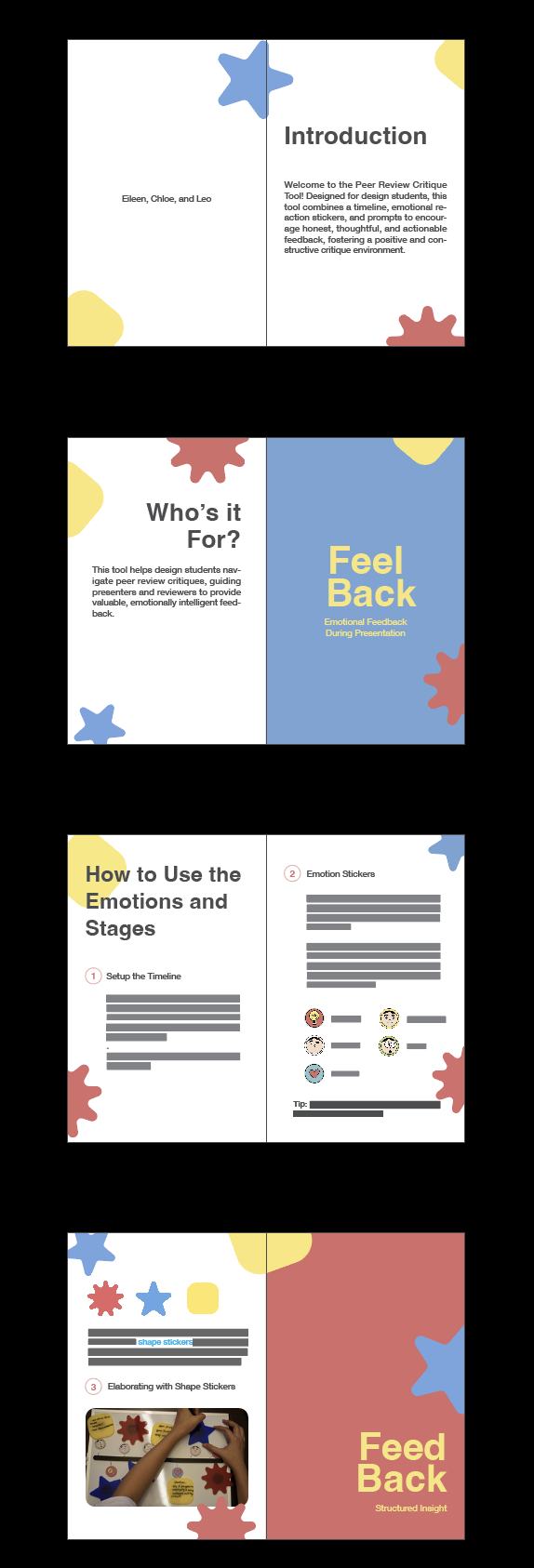
The instruction manual was simplified to reduce text, and a separate instruction card was introduced to make the experience easier to understand.
03 — Packaging
The packaging was strengthened with thicker cardboard and developed to visually match the design language of the tool.
The Final Tool
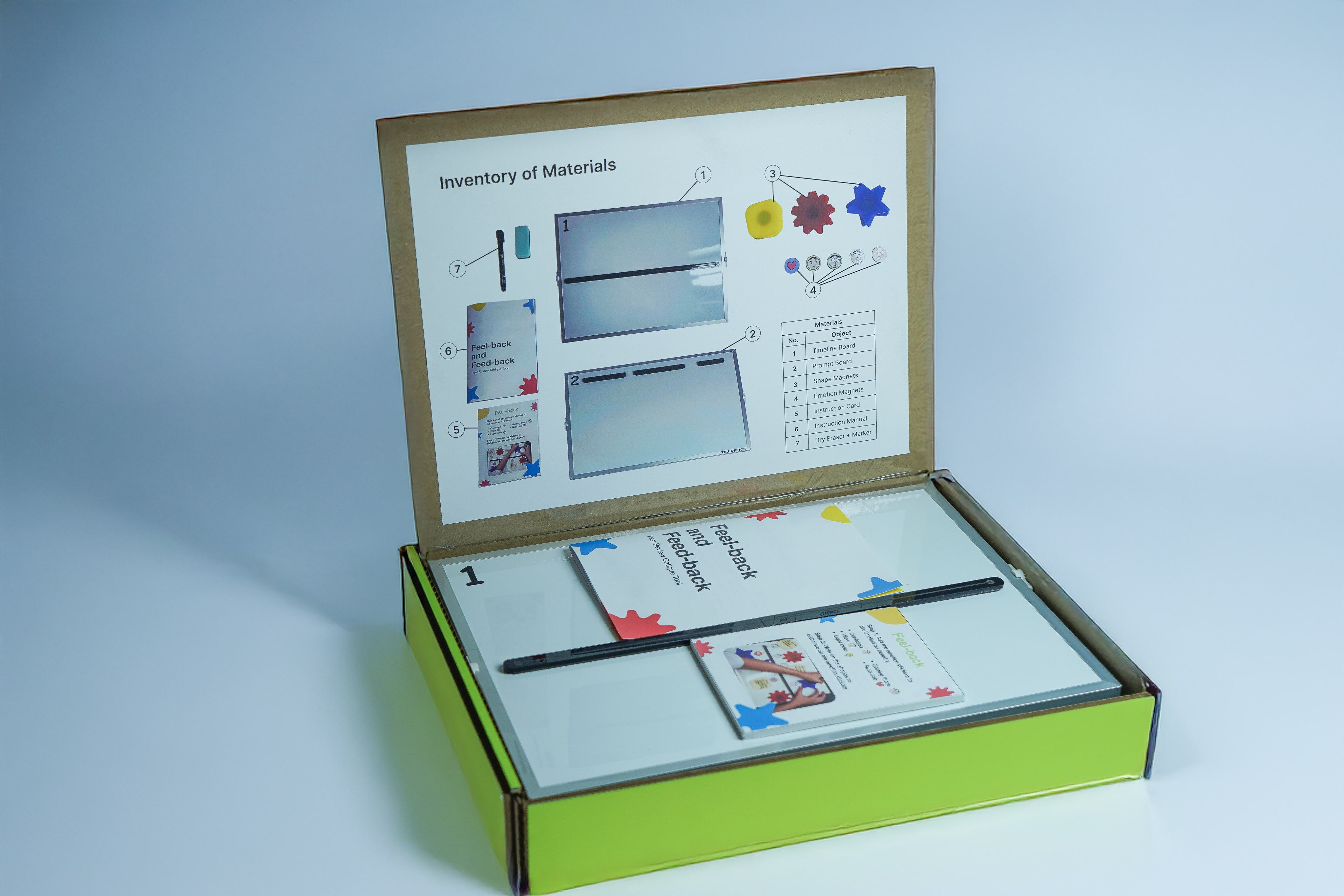
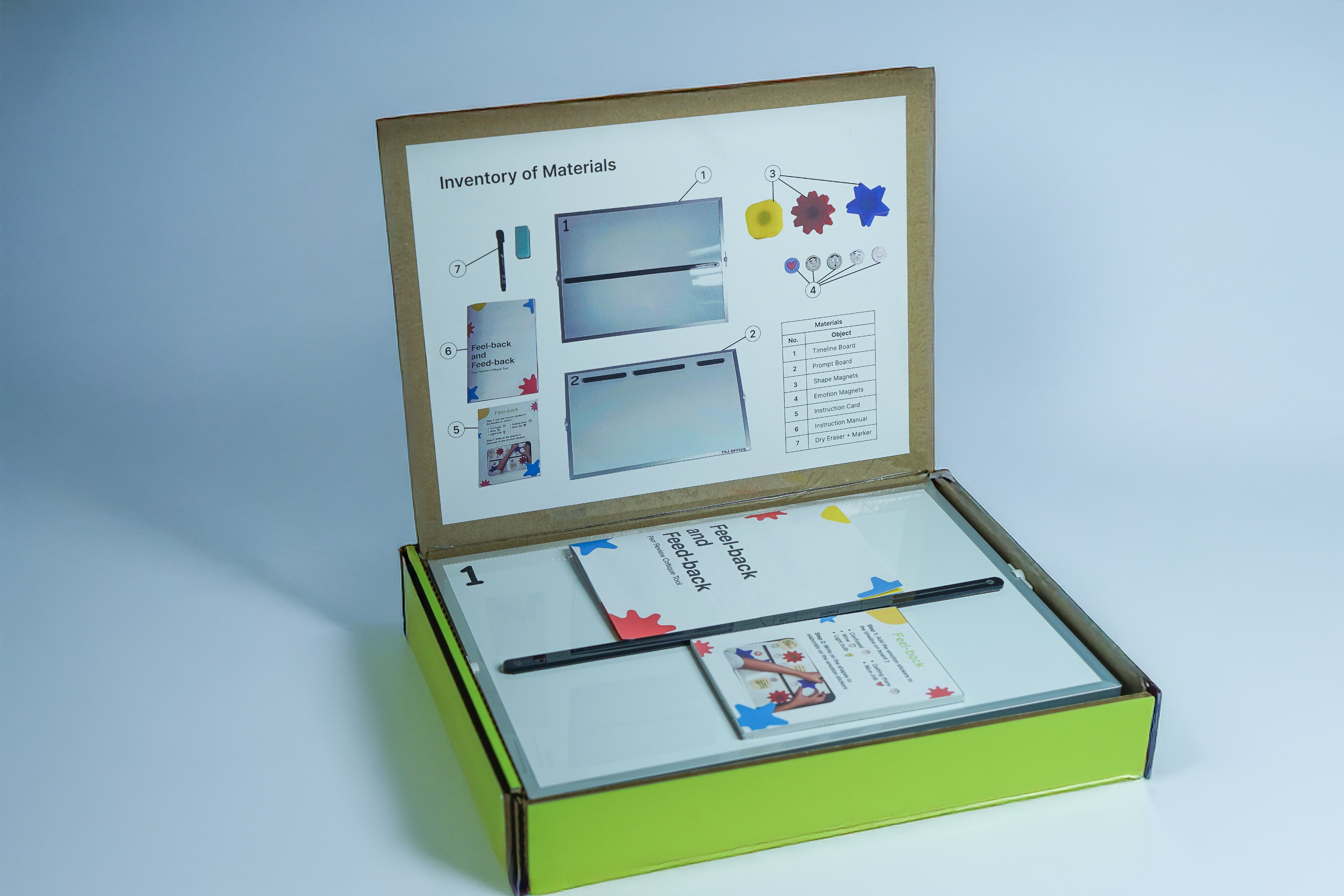
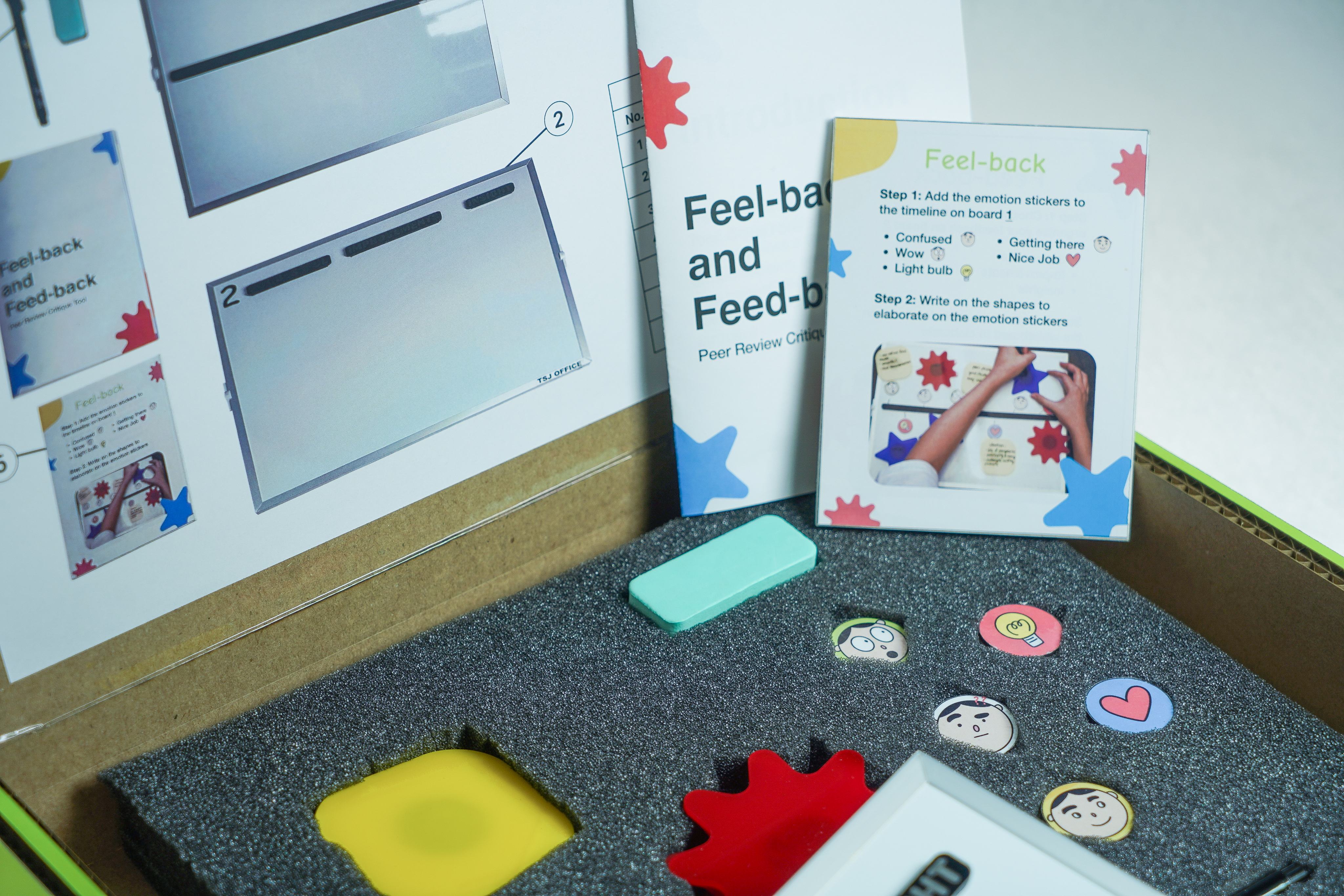
The final Feel-back / Feed-back kit combines two feedback boards with emotion stickers, writable shapes, prompt magnets, instructions, and supporting materials in a portable package.
Feel-back captures immediate reactions throughout a presentation, while Feed-back helps reviewers organize and elaborate on constructive feedback afterward.
How It Works
Feel-back
- 01Add emotion stickers to the timeline during the presentation.
- 02Use the writable shapes to explain the reaction in more detail.
Feed-back
- 01Choose a prompt magnet to organize feedback into Successes, Improvements, or Insights.
- 02Write additional feedback on the board to elaborate.
What I Learned
This project showed me how much the environment surrounding an interaction can influence the quality of the experience. Instead of immediately designing a solution, we first had to understand why students were uncomfortable giving feedback and where existing critique formats were falling short.
Testing the tool also reinforced the importance of observing how people actually interact with a design. Small changes to instructions, organization, and physical construction made the final experience clearer and easier to use.